Property and bed inventory
Build your hierarchy from building to block, floor, room and individual bed.
Manage properties, bookings and stays in one installable workspace.
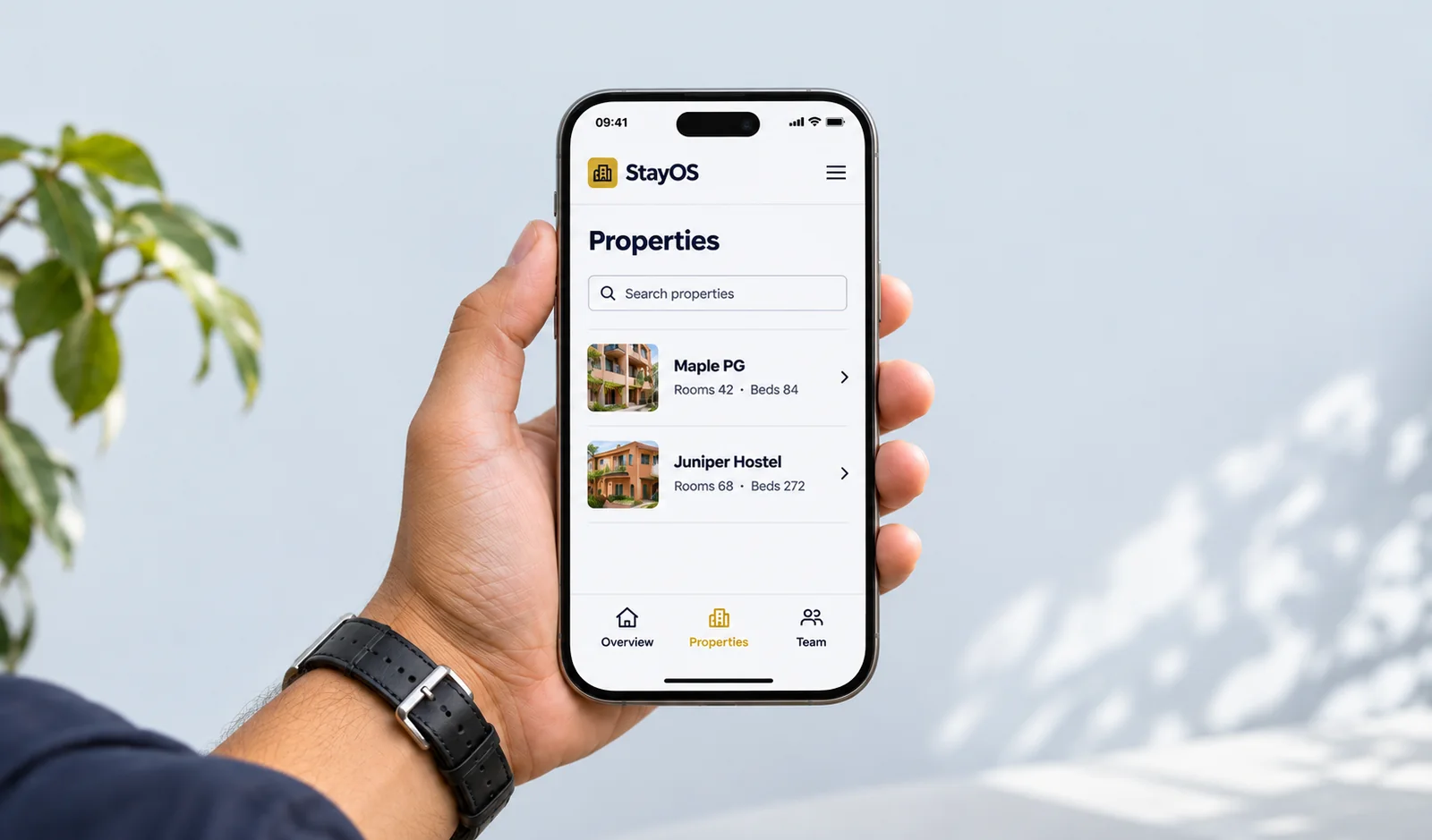
In Chrome or Edge, choose Install. On iPhone or iPad, open Share in Safari and choose Add to Home Screen.
Track availability and arrivals across the properties your team manages.
Build your hierarchy from building to block, floor, room and individual bed.
Track enquiries, book beds by date, and hand prepared arrivals over for check-in.
Invite staff and grant the permissions and properties they need.
Open StayOS from your home screen or desktop and see when you’re offline.
Cleaning schedules, inspections and room readiness.
Meal plans, service logs and kitchen inventory.
Linen circulation, work orders and asset care.
Recurring rent, payment collection and accounting.
Resident requests, self-service and guardian access.
Operational insights and assisted workflows.
Vacant beds are free. The launch price applies to your StayOS subscription.
Explore StayOS with up to three properties and 250 beds. No payment details required.
Start free trialSet up your organisation, add properties, manage bookings and stays, and invite staff. The trial runs for 7 days.
Yes. The workspace supports multiple properties and gives staff access based on their role and assigned properties.
Yes. Open StayOS in a supported desktop or Android browser and choose Install. On iOS, use Safari’s Share menu and choose Add to Home Screen.
Your workspace switches to read-only access when the trial ends unless a new subscription is applied.